Workflow extensions
Scope changes to the journeys and operational tools your team uses.

Website language
Custom system development
When your brokerage needs more than configuration, work with us on a defined development project. Translate operational requirements into platform extensions, connections and tailored workflows.
What we help you do
Start with the problem your team needs to solve. We help distinguish what the platform already supports, what can be configured and what needs custom development, then agree the work and acceptance criteria.
Scope changes to the journeys and operational tools your team uses.
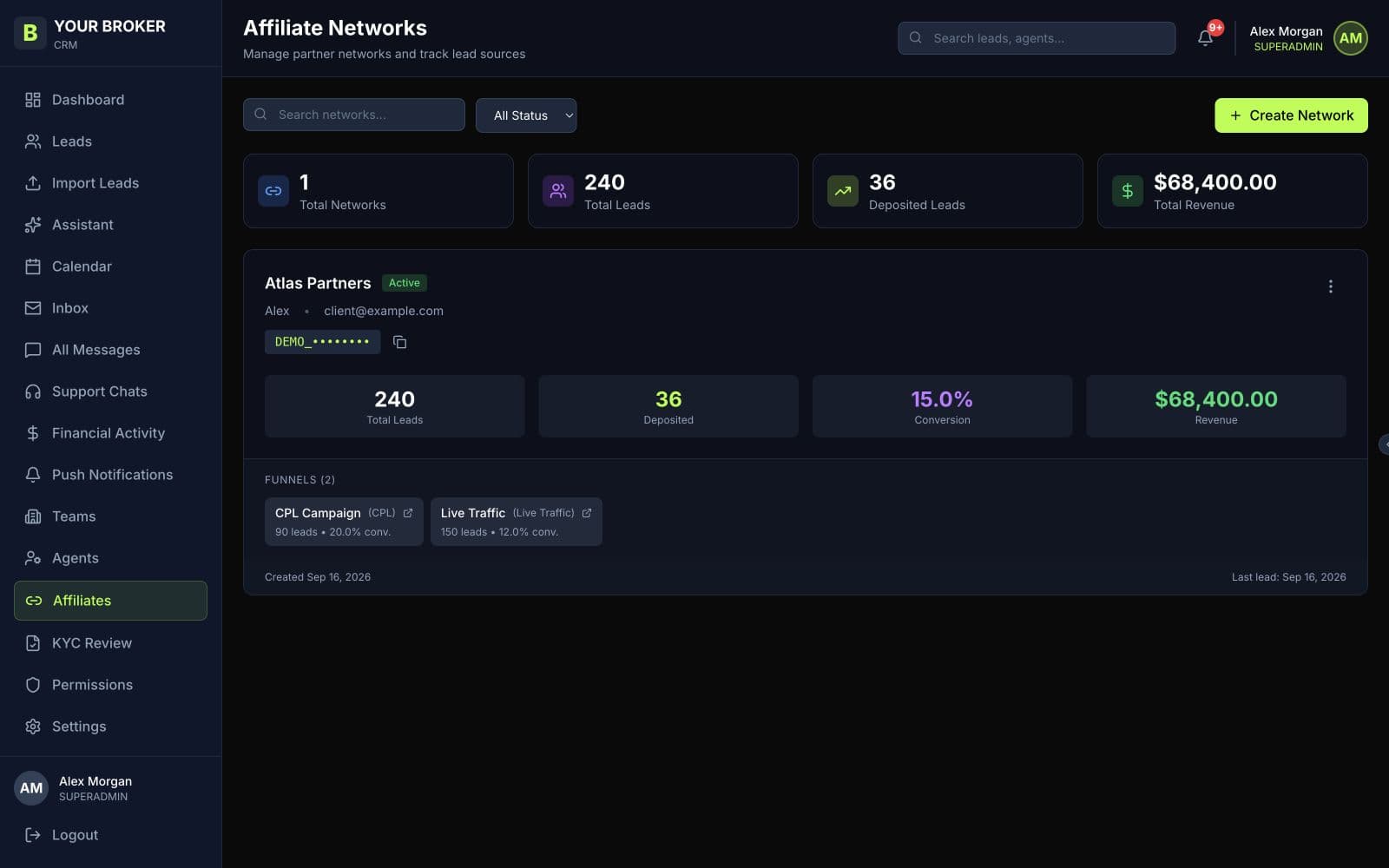
Plan affiliate and business-system connections with clear data and access requirements.
Agree requirements, milestones, review points and acceptance criteria before implementation.
How the service works
We agree the scope and responsibilities with your team, then work through the steps together.
Understand users, existing workflows and the outcome you want to achieve.
Define the approach, dependencies, scope and delivery milestones.
Develop the agreed work and review it against the acceptance criteria.
Before we begin
Custom development is scoped separately. We first check whether the requirement is already covered by an existing feature or configuration.
Yes. Affiliate API connection support is part of the offering. Bespoke network requirements can be reviewed during scoping.
Your next chapter